
Setting up your author profile
Thank you so much for agreeing to write for Whimsicle. We are beyond appreciative that you are willing to contribute to our community!
We want your picture and bio to show up under your post. We ask that you go through a few simple steps to set it up.
Set up your Gravatar
Simply, a gravatar is the picture that will appear by you name in your author bio as well as next to any responses that you make to comments on posts. It will look like this for your author bio: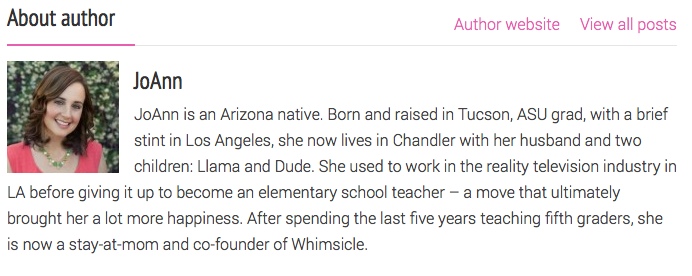
And this for your comments:
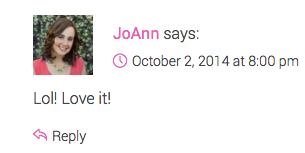
To set up your gravatar, go to en.gravatar.com.
Click in the upper right corner where it says “WordPress.com Sign in.”
If you do not yet have a WordPress.com account, click “Need an account”
Create your account (it’s free) and follow the instructions to add your picture. Make sure you use the same email that you use to log-in to Whimsicle.
Add your Author Bio
Log into Whimsicle (https://www.noguiltmom.com/wp-admin). Enter the user name and password you received.
In the left sidebar, click on “Users” and select yourself. Click “edit” under your name.
Scroll down to the section that reads “About Yourself” and enter a short bio in the box labeled, “Biographical Info”
Scroll down and press “Update Info” at the bottom.
You are done!! Thank You!